
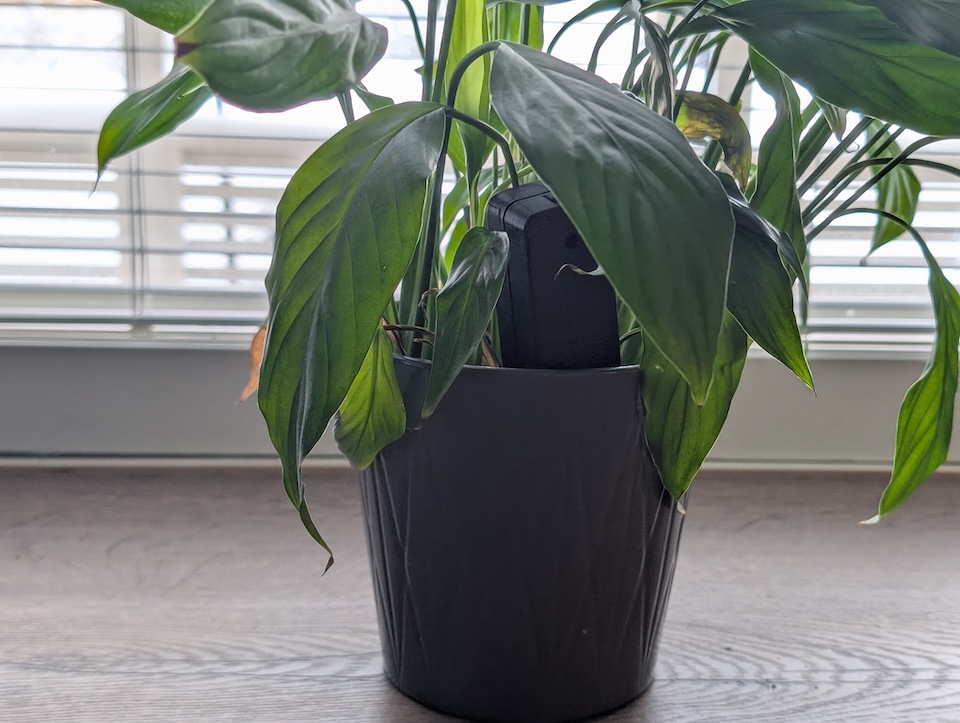
Review: The $10 Smart Garden Sidekick – A Dive into the Seeed Studios XIAO Soil Moisture Sensor
If you’re anything like me, your relationship with houseplants fluctuates between “botanical sanctuary” and “accidental desert.” We all start with the best intentions, but life gets busy, and suddenly that vibrant Fern looks like a pile of autumn leaves. Enter the Seeed Studio XIAO Soil Moisture Sensor. It’s a scrappy, open-source gadget designed to take the guesswork out of watering without breaking the bank.
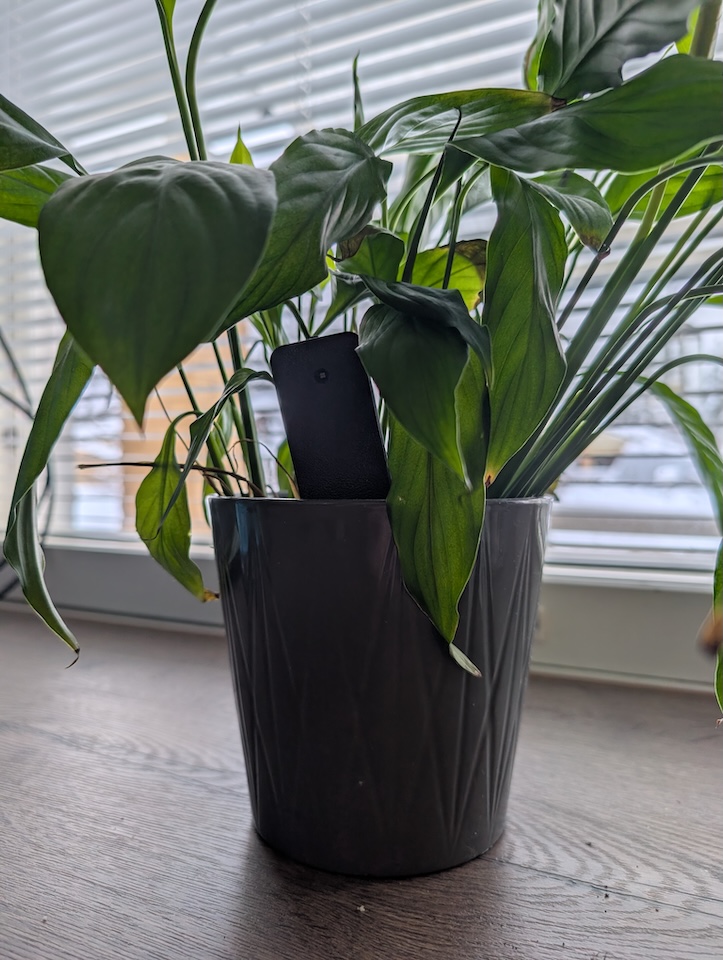
I’ve been putting this little sensor through its paces in my living room (where a very very thirsty botanical plant lives), and here’s the lowdown on whether this $9.90 tool belongs in your dirt.
The Hardware: Simple, Open, and DIY-ish
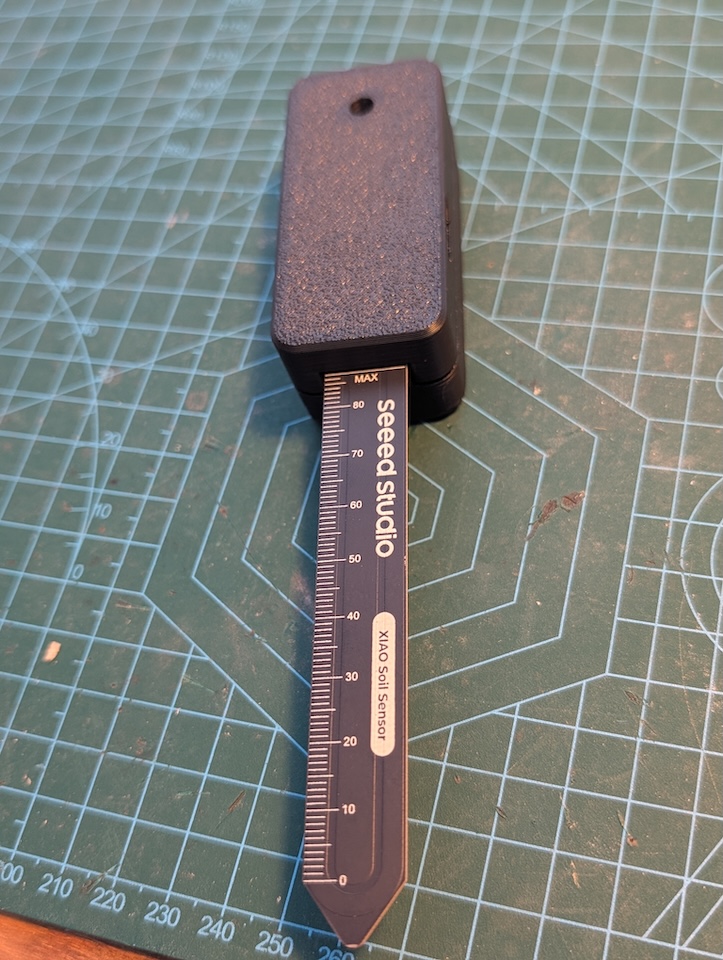
At its core, this device is built for the tinkerer. It is powered by the ESP32-C6, a modern MCU that brings Wi-Fi connectivity to your plants. This choice of chip is excellent for those who value longevity and connectivity within a smart home ecosystem.
- The Build: It comes in a 3D-printed case that feels surprisingly sturdy for what it is. However, a major word of caution: it is not weatherproof. The electronics are housed in a shell that isn’t sealed against the elements, making this strictly an indoor player or for use in very sheltered green-rooms. Don’t let your watering can slip!
- Power Management: To keep the form factor small, it runs on a single AAA battery. Because Wi-Fi is power-hungry, the device stays in a deep sleep mode most of the time to ensure you aren’t changing batteries every week.
- The Interface: You’ll find a single LED indicator and a physical button on the top. This minimalist approach keeps the cost down while providing just enough tactile feedback to be useful.
The Software: The ESPHome Advantage
This is where Seeed Studio wins major points with the smart home community. Unlike many “smart” garden sensors that force you into a proprietary app with a monthly subscription, this device comes with ESPHome pre-installed.
For the uninitiated, ESPHome is the gold standard for integrating DIY devices into Home Assistant. Once you’ve gone through the initial setup, the device automatically exposes two key entities to your dashboard:
- Soil Moisture Status: The real-time percentage of how thirsty your plant is.
- Battery Level: Essential for ensuring your sensor doesn’t go dark without you noticing.
Pro Tip: Because it’s ESPHome, the YAML configuration is fully customizable. For example, I’d personally prefer the LED to blink constantly when the soil is dry so I can see the “SOS” from across the room without checking my phone. While this is a simple code tweak, keep in mind it will drain your AAA battery faster during those dry spells!
Real-World Testing: How It Works
Installation is a total breeze. If you want to change how the LED behaves or adjust reporting intervals, Seeed Studio provides the full ESPHome YAML here for easy modifications.
In daily use, the device relies on a “press-to-wake” mechanic to preserve its battery. When you walk by your plant and want a status update, you simply tap the physical button. The LED will glow to indicate the current moisture level—Dry, Moderate, or Wet—before the device goes back to sleep. It’s a satisfying, tactile way to check on your “green friends” while keeping power consumption to a minimum.
But the real magic happens once you’ve integrated the device into Home Assistant. You can create all kinds of automations to notify you when to water and when to leave the plant alone. For instance, you could have your smart speakers announce “The Fern is thirsty!” or turn a living room lamp red when the moisture drops below 20%. It transforms a passive sensor into an active, vocal part of your home’s ecosystem.
It is worth noting that this is a specialized tool. It does one thing—measure moisture—very well. If you’re looking to track soil conductivity (EC) to check nutrient levels, soil temperature, or ambient humidity, you won’t find those sensors here. It’s a focused device for a specific job, which is part of how they keep the price so low.
The Verdict
| Pros | Cons |
| Price: Just over $9—cheaper than a fancy latte. | Limited Sensors: No conductivity, temperature, humidity or light sensors. |
| Open Source: Fully modifiable and local control. | Durability: 3D-printed case isn’t waterproof (not suitable for outdoors). |
| Plug & Play: ESPHome pre-flashed for HA users. Full YAML available for customisations. |
Final Thoughts: If you are a Home Assistant enthusiast looking for a cheap, local-control way to monitor your indoor jungle, this is a no-brainer. It’s a fun, functional entry point into smart gardening that rewards a little bit of “under-the-hood” tweaking. It might not be a “pro” agricultural tool, but for less than $10, it’s the best insurance policy your houseplants could ask for.
Smart Home score: 3/5
