Turn Your Home into a Wireless Digital Canvas with Home Assistant & ESPHome: Introducing eInk Art Gallery
As smart home enthusiasts, we often focus on sensors, lights, and automation logic. But what about aesthetics? What about bringing art into the digital age without mounting glowing LCD screens on every wall?
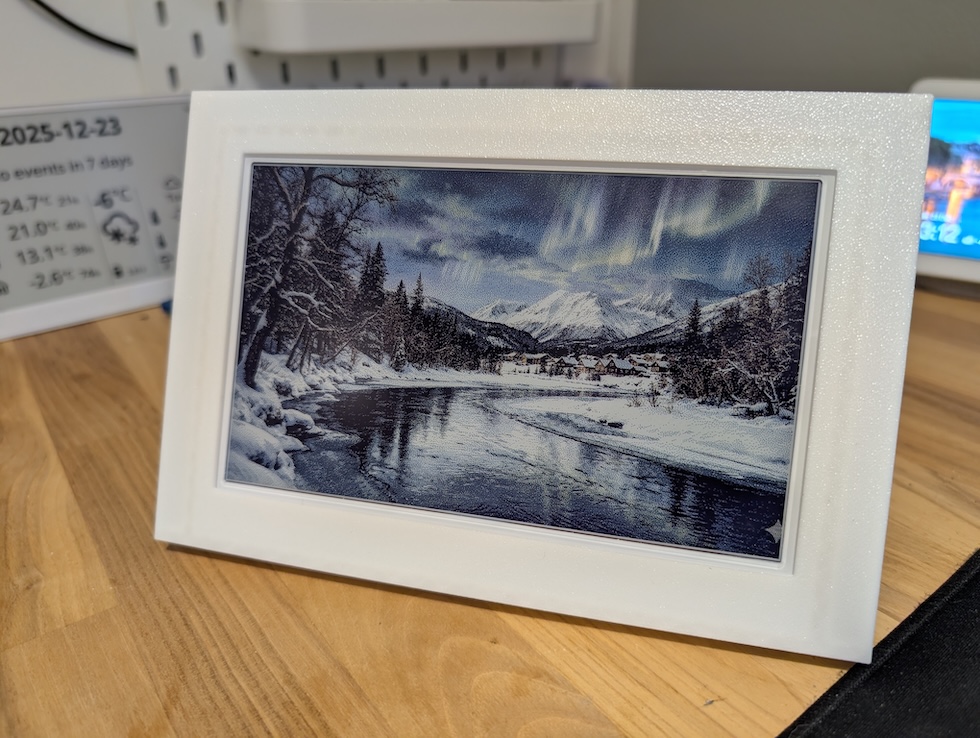
I am thrilled to announce the release of eInk Art Gallery, an open-source project designed to transform eInk displays into dynamic, battery-efficient art frames, fully integrated with Home Assistant and ESPHome.
The Story Behind the Code
Every project has a “why.” For me, it was personal. My daughter is a brilliant artist, and her digital portfolio was growing rapidly. I wanted a way for her to push her latest creations to a physical display on the wall instantly—without cables, complex software, or subscription fees.
I built eInk Art Gallery to give her art a home, and now, I’m sharing it so you can showcase your photos and art with the same ease.
Why Colored eInk?
If you haven’t looked at eInk technology recently, you might be surprised. We are moving far beyond the grayscale of early e-readers.
Colored eInk displays are the perfect medium for digital art for two main reasons:
- Aesthetic: They look like paper, not screens. They blend into a home’s decor rather than demanding attention with backlights.
- Efficiency: They only consume power when the image changes. This means a display can run for up to two years on a single charge because the MCU (Microcontroller Unit) sleeps until a refresh is triggered. No ugly wires running down your wall required.
The Perfect Hardware Companion
While this software is open source, the project was made significantly easier thanks to Seeed Studio and their reTerminal e1002.
This device is a powerhouse for this specific use case:
- Visuals: It features a stunning three-color E Ink Spectra 6 display – 7.3″.
- Brains: It has a built-in ESP32.
- Software Ready: It supports ESPHome out of the box.
How eInk Art Gallery Works
The system connects your digital library to your physical wall using two main components: the processing power of Home Assistant and the efficiency of ESPHome.
The project consists of three repositories, in case you want to contribute to the project: Backend software, Home Assistant add-on wrapper and ESPHome configuration.
Please note that the project is still on beta and might get major changes in the near future.
1. The Backend: Home Assistant Add-on
The Add-on acts as the curator of your gallery. It handles the heavy lifting of image processing so the battery-powered display doesn’t have to.
Core Features:
- Optimization: It automatically converts and dithers images to look their best on eInk color palettes.
- Smart Cropping: Images are automatically resized to fit the specific aspect ratio of your display.
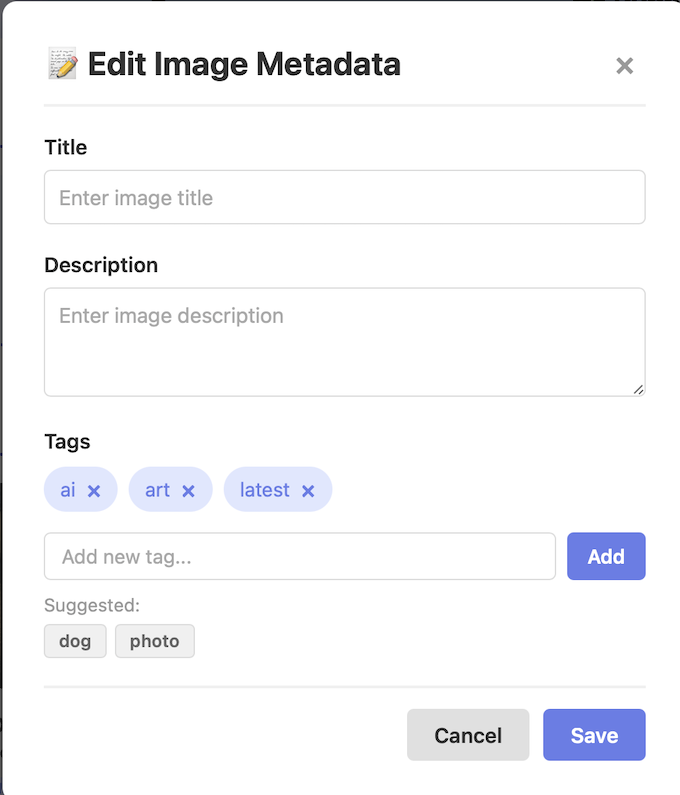
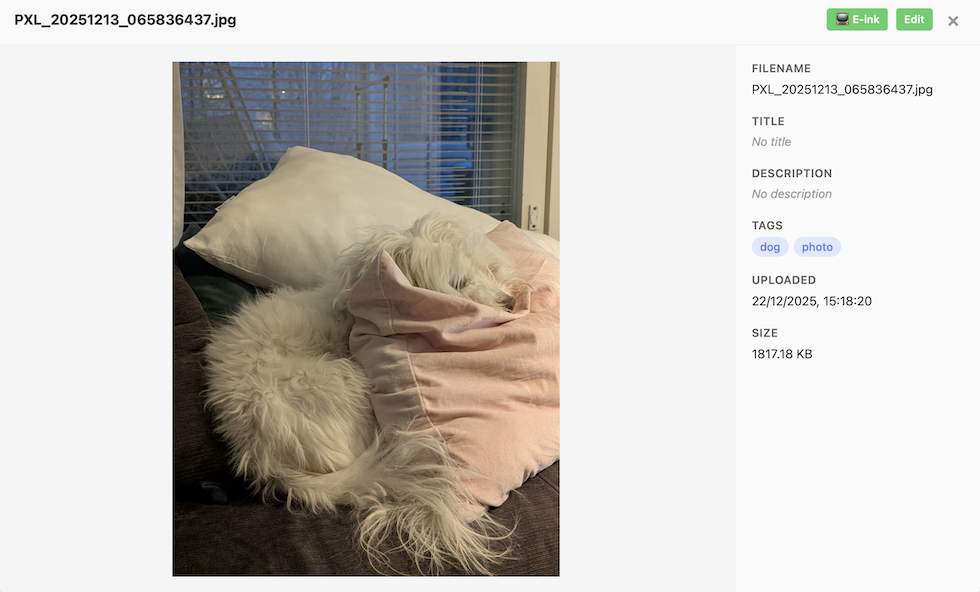
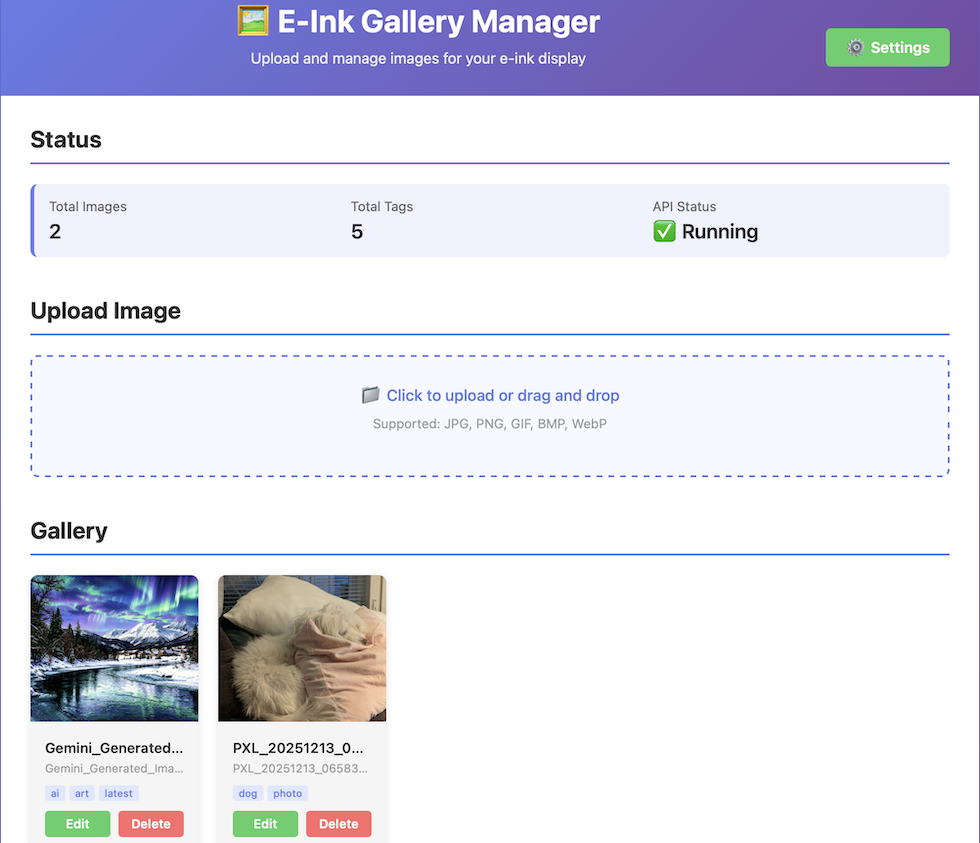
- Web Interface: The user-friendly web interface lets you easily upload, delete, and tag images (e.g., “Family”, “Nature”, “Sketches”). Crucially, it also provides a preview of the processed image, so you can see exactly how it will look on the eInk display before it’s live.
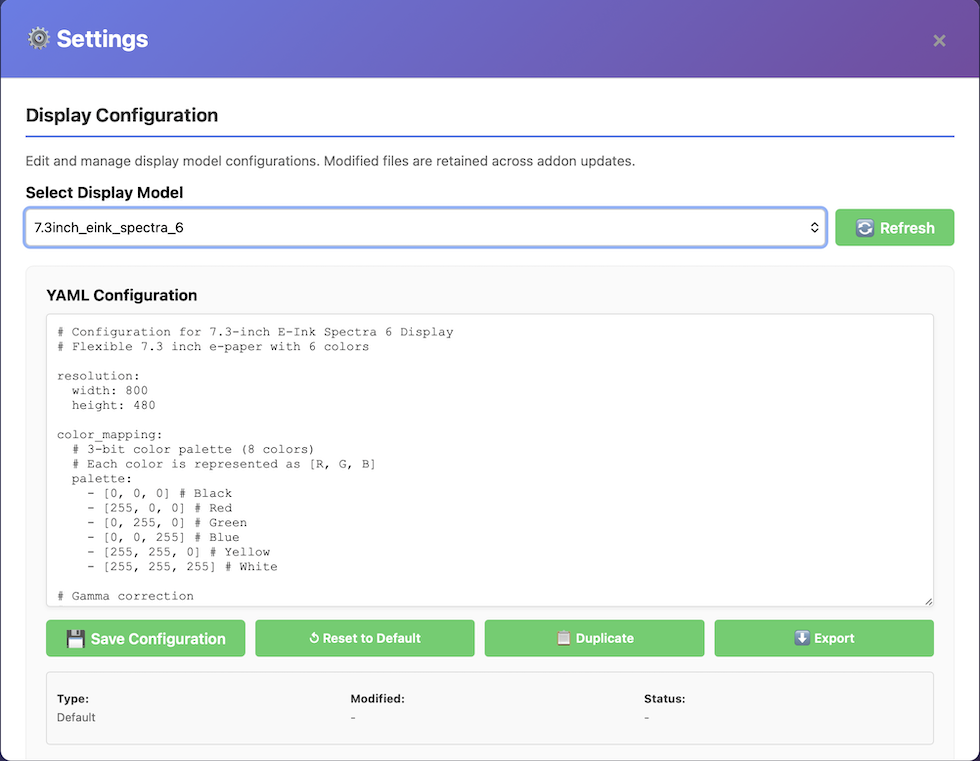
- Configuration: You can modify display settings directly within the add-on.
Installation: The backend is installable as a Home Assistant add-on by adding a custom repository to Home Assistant. Or, to make it even easier, simply click the button below to get started:
Once the repository is installed, go to your Home Assistant -> Settings -> Add-ons -> Add-on Store and choose ‘eInk Art Gallery‘ and install it. When the installation is finished, press ‘start‘ and open the WebUI using the button in the same page. You should be redirected to the eInk Art Gallery UI where you can start uploading your photos, art or whatever you like to display in the eInk panel!
Ps. the default port Add-on is using is 8112. It can be configured from the add-on settings.
2. The Display: ESPHome Configuration
This is where the display magic happens. I have created a ready-made ESPHome configuration tailored for the Seeed Studio reTerminal e1002.
Default Behavior & Customization: By default, the configuration is set to wake up and cycle to a random image from your gallery every 6 hours. However, everything related to the device configuration—from WiFi settings to the specific wakeup interval—is easily modifiable directly in the configuration variables at the top of the code.
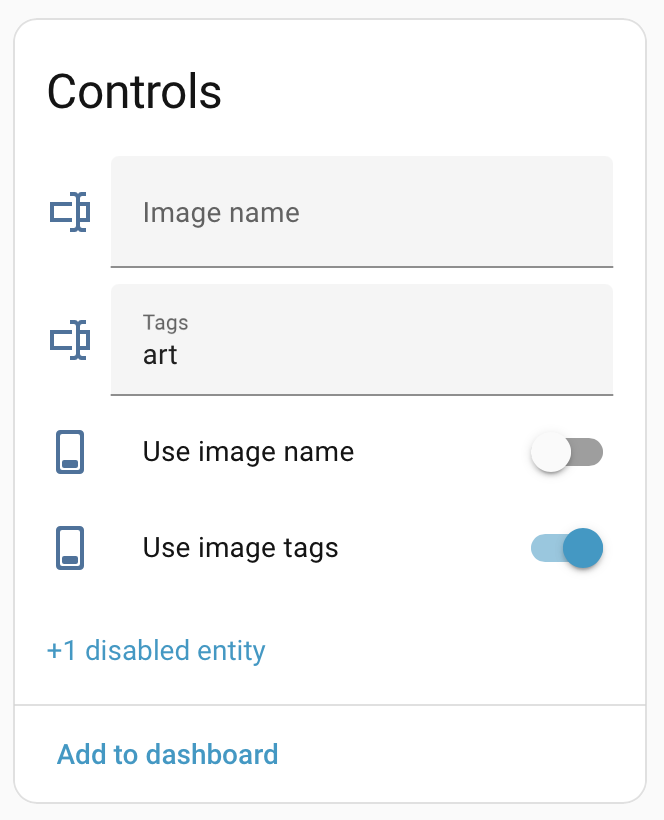
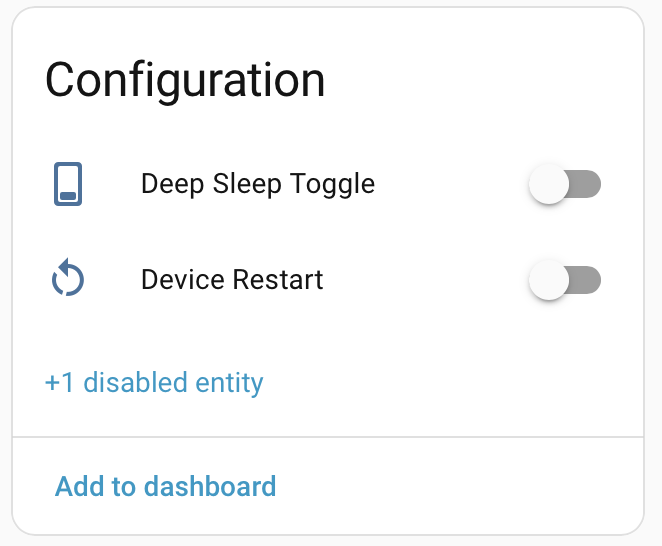
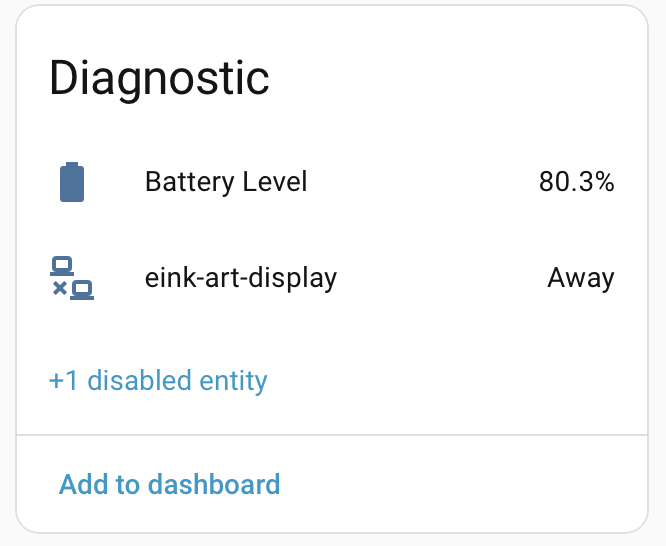
Dynamic Control via Home Assistant: The best part of this configuration is that you don’t need to re-flash the device to change what it displays. The code exposes several configurable entities directly to your Home Assistant dashboard. You can toggle settings on the fly without refreshing the device:
- Tag Filtering: When in random mode, you can filter by tags. For example, switch the frame to only show “Holiday” photos during the season.
- Specific File: Want to display one specific masterpiece? You can target a specific filename directly from HA.
Physical Controls & Smart Wake-up: The device also utilizes physical buttons for manual interaction:
- Wakeup/Refresh: A button to manually wake the device and refresh the art.
- Smart Override: If your configuration is set to “Random,” but you just uploaded a new photo and want to see it now, you don’t have to change settings. Simply press the Green Wakeup Button while holding the Right Button. This overrides the random shuffle and fetches the absolute latest upload immediately.
Getting the Code: The ESPHome YAML configuration for Seeed Studio reTerminal e1002 is available in here.
Need help installing the code on the reTerminal e1002? First check the Seeed Studio Guide and if still in doubt, leave a comment below in the comment section.
Bonus: The Custom Photo Frame
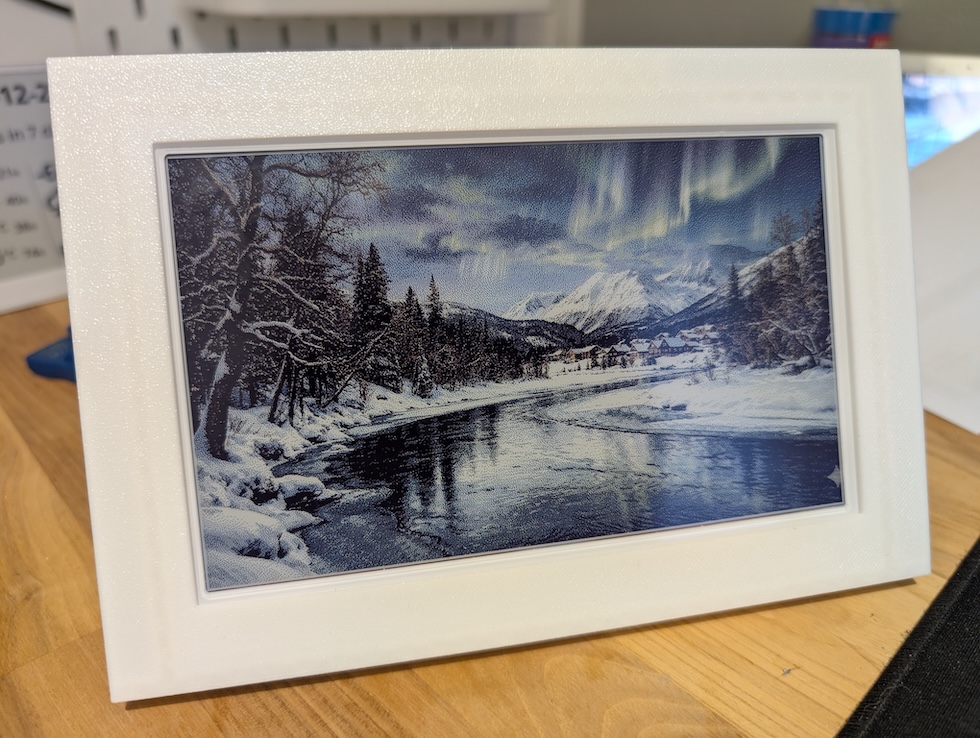
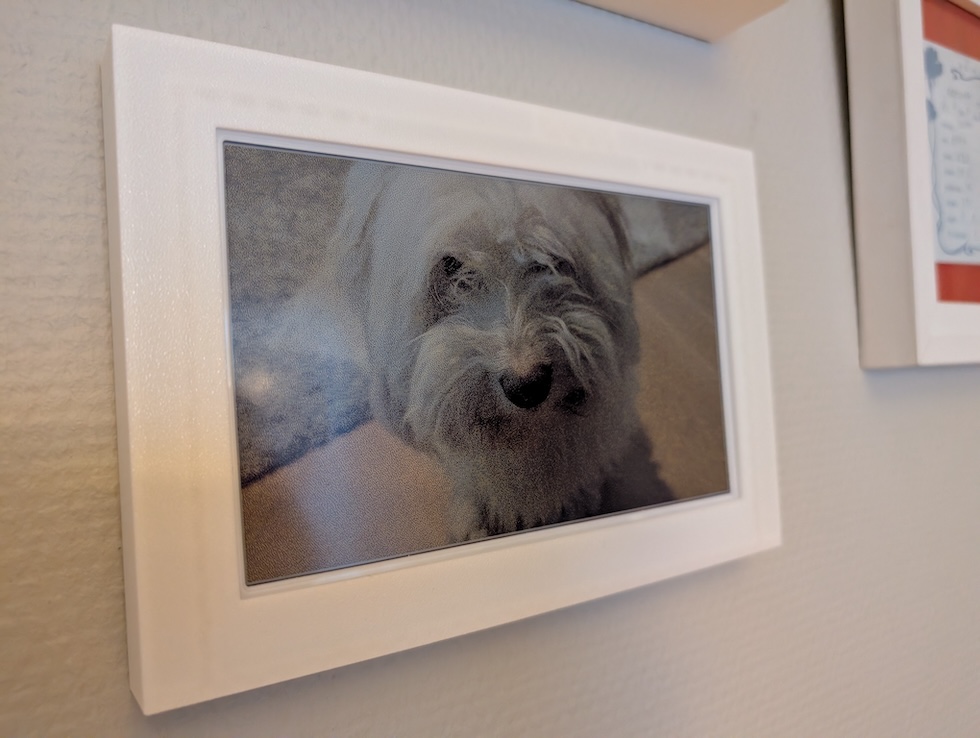
While the reTerminal e1002 is impressive hardware, I wanted it to blend seamlessly with the traditional photo frames on my wall. I designed a custom 3D-printed frame specifically for this device.
You can download the STL files and print your own here: https://makerworld.com/en/models/2149830-seeed-studio-reterminal-e100x-picture-frame
Roadmap: What’s Next?
This is just the beginning. I am actively planning improvements to make the gallery even better. Features currently in the pipeline include:
- Round Robin Display: Cycle through your gallery sequentially rather than randomly.
- Manual Cropping: A UI tool to manually select the perfect crop area for photos, ensuring you get exactly the composition you want.
Support the Project
If you are interested in building this yourself, you can grab the hardware through the links below. Note: These are affiliate links that help support future development.
- Seeed Studio: https://www.seeedstudio.com/reTerminal-E1002-p-6533.html?sensecap_affiliate=XfIKHZY&referring_service=link
- Amazon.com: https://amzn.to/4pSrebK
…or just
