Smart Home Power Outage: What a 10-Minute Blackout Taught Me About My Smart Home’s Weak Points
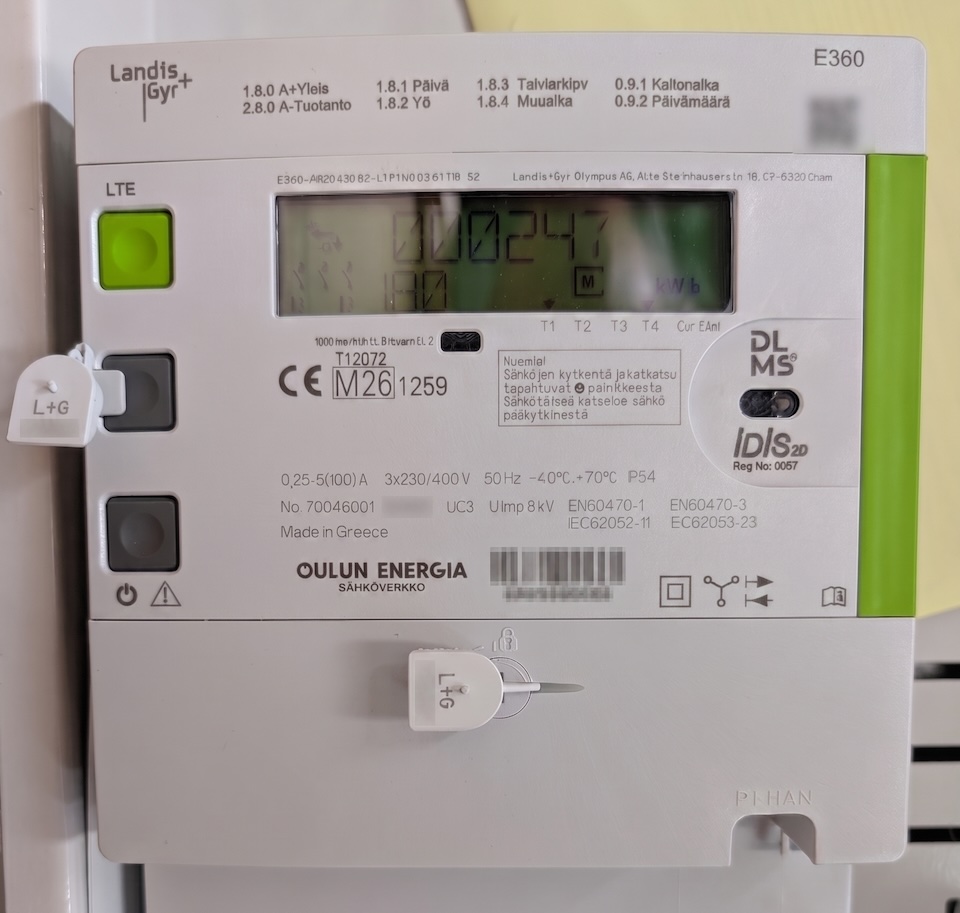
Earlier this week we had our electricity meter replaced by our local electricity company, as we’re finally moving to 15-min MTU on spot prices. This caused about a 10-minute power outage in our house, and it revealed several weaknesses in my smart home setup — things I really should have thought about beforehand.
Things that broke
1. The circuit breaker that controls my smart home core and network tripped
This has been a problem for me for a long time, but I hadn’t thought about it in a while. The circuit breaker that controls my home office, including all the tech and servers, tripped immediately when the power came back. I didn’t notice this at first, and started wondering why my PC running Home Assistant and other virtual machines wouldn’t turn on, even though my network switch was working perfectly. The reason turned out to be that my network switch was running on UPS power, which confused me — I thought my UPS battery was already dead 🙂
Anyhow, once I found the tripped breaker, I tried switching it back on, but it tripped again immediately. So it was time to reduce the load, and I finally got power back to the server rack. I still don’t know if my circuit breaker is faulty or if my equipment is just drawing too much current initially — I will get the circuit breaker replaced next time an electrician visits, and see if everything works after that better. If you have any ideas about this tripping circuit breaker, please let me know in the comments below — I’m open to suggestions, as I’m no electrician myself.
2. Home Assistant did not start at all
After the power was restored and the PC started up, the virtual machine running my Home Assistant instance did not. I just got the error waiting for quorum....
A bit of investigation revealed that I had my Proxmox host configured incorrectly. I had it set to require another node to be up and running before any of the VMs would start. To fix this, I need to set the expected node count to one rather than two. My cluster consists of two PCs running different configurations, and they shouldn’t have hard dependencies on each other, even though they’re in the same cluster.
3. Our living room blinds tilted down to closed and couldn’t be opened until Home Assistant was up again
This one really had a bad WAF (wife approval factor). My DIY blinds in the living room close automatically when they’re powered on but no MQTT connection is established — and my Home Assistant instance was still down at this point. The worst part? They have no manual control at all — everything is handled through Home Assistant automations only.
I could add a manual control button to the ESP controlling the blinds to override MQTT commands, and maybe the default state should be open rather than closed. But in the end, I’ll probably just remove the blind tilt controller entirely and switch back to manual control, since we rarely close the living room tilt blinds anyway. Not everything has to be smart and possibly complicated.

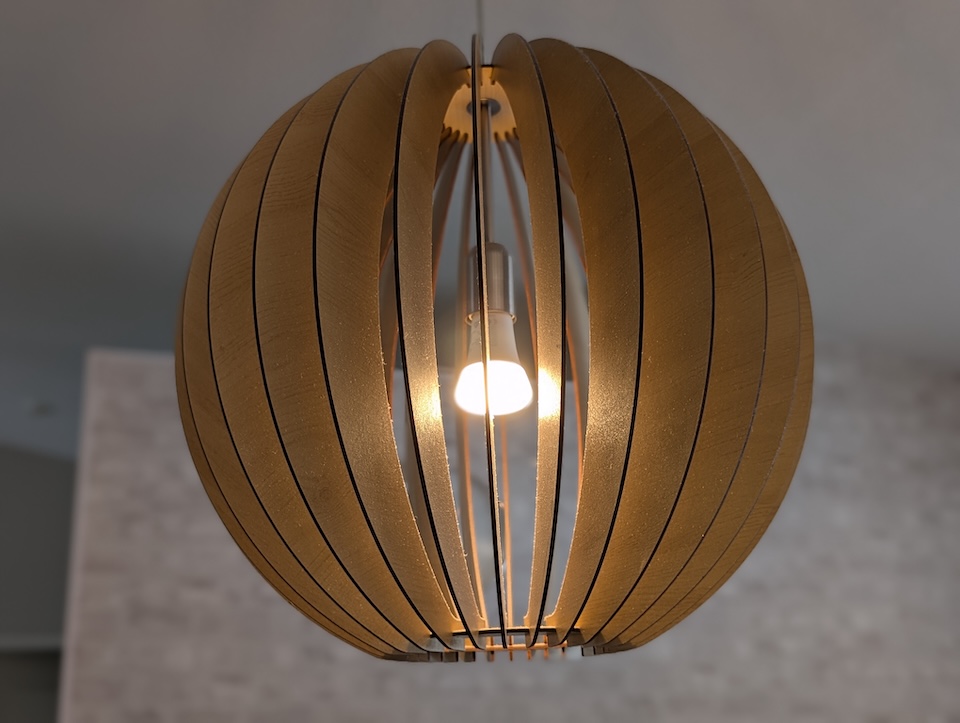
4. All the Hue lights turned on
Another bad WAF (wife approval factor) moment — all the Hue lights turned on after power was restored. I have the bulbs set to return to their pre-blackout state, but for some reason that doesn’t seem to apply if the Hue hub is also offline — and in this case, the power loss had also taken down the server rack, including the Hue hub.
I can imagine a scenario where the power goes out at midnight and every light in the house just turns on, with no way to control them, since the Hue switches wouldn’t respond with the hub down.
For this problem, there are a few solutions I should consider:
- Set the default bulb state to off — though I’m not sure that would work if the hub itself is down.
- Fix the circuit breaker issue to keep the hub online through a power reset (well, I have to do that anyway…).
- Run the Hue hub behind the UPS as well, to keep it powered. This wouldn’t solve the issue of a longer blackout though, since the UPS would eventually run out of juice.
5. Ollama (local LLM) instance did not start
Last, and probably the least of my problems, is the second Proxmox node that mainly runs my local AI stack. It started fine once I got the circuit breaker back on, but my LLM virtual machine did not. This time, the problem was somewhere in the CUDA drivers, which didn’t load properly — another reboot fixed it, though.
However, I didn’t notice this failure until the next morning, when I started wondering why I hadn’t received my morning security events notification on my phone.
I doubt I can fully fix the CUDA driver issue, but at the very least I should set up some kind of health check to alert me when the LLM isn’t functioning, so I can start fixing it sooner. The same applies to many other critical and non-critical dependencies — I should be notified immediately if something stops working. For some critical systems I already have this, but those are all related to Home Assistant entities (like if the summer home temperature drops too low on winter time) – not for external dependencies.
Things that performed (surprisingly) well
1. The UPS was still working fine
My UPS was still alive, and the battery was in better shape than expected. This is actually what caused some of my earlier confusion — combined with the tripped circuit breaker, it’s why the network router came back on before anything else.
Even though my UPS was still fully functional, I started wondering whether I should get a bigger UPS to cover all my essential equipment, even during a longer blackout. Maybe the UPS should protect the network, cameras, and the PC running Home Assistant, keeping them running for around 30 minutes. We don’t usually get blackouts here, but I think it’s better to be safe than sorry.
Another thing I should do with the UPS is set up scheduled health checks, so I know when to replace the battery before it’s too late.
2. My smoke alarms and alarm system were still 100% operational
One of the most important systems in the entire house still worked like a charm. My fire and leak detectors are either fully battery-powered or battery-backed, including the indoor siren. They’re all Z-Wave connected and associated with each other, so even if the Z-Wave coordinator (my Home Assistant instance) is down, the siren would still sound loudly if a leak or fire is detected!
3. Backups
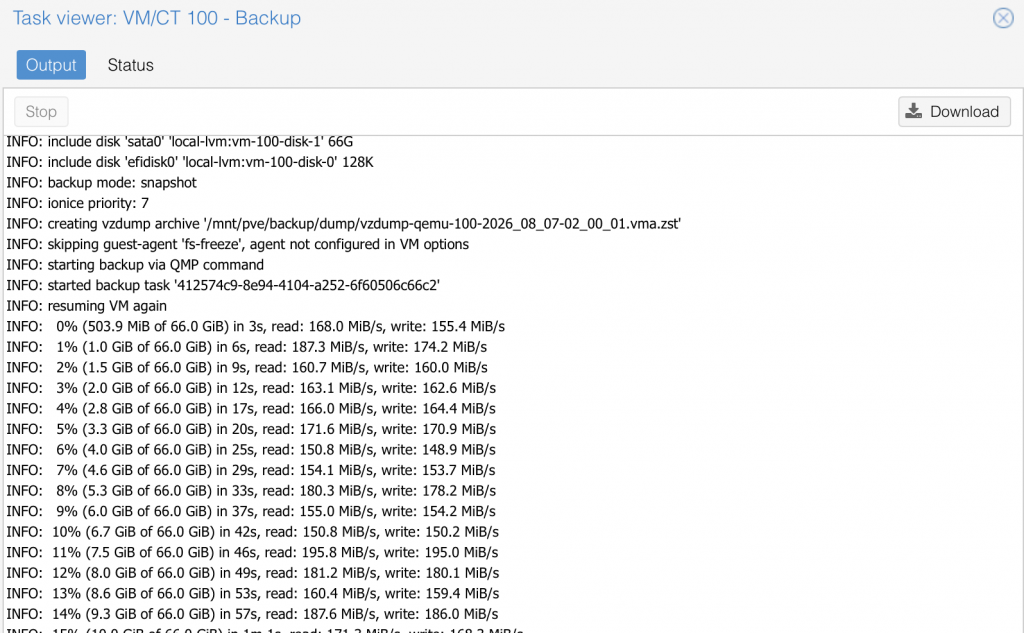
Since I was briefly worried that my device running Home Assistant might have broken permanently, I checked that the backups were all there. All the virtual machines from Proxmox had backups on the NAS (on mirrored discs), also replicated to the cloud — so no matter what breaks, I can recover quickly.
Lessons learned
I need to make my smart home more resilient to power failures. This incident really did reveal several weak points I need to fix:
- Get the circuit breaker checked (and likely replaced) by an electrician, since it’s the root cause behind the Home Assistant, blinds, and Hue failures all at once.
- Fix the Proxmox cluster configuration so the two nodes don’t have hard dependencies on each other, and one node starting shouldn’t be blocked by the other being down.
- Get the Hue hub (and ideally the whole server rack) back online reliably after a power reset, and reconsider what the default bulb state should be if the hub itself is down.
- Set up independent monitoring for critical dependencies, like the local LLM stack, so I get notified immediately if something isn’t working — even if the usual notification path is what’s affected.
- Look into a bigger UPS, or at least define which devices it actually needs to protect and for how long.
- Schedule regular UPS battery health checks, so I know when to replace it before it’s too late.
It also raised a bigger question: what if I’m just not around to fix things? The classic “hit by a bus” scenario — if something happened to me, my wife would be stuck with blinds that won’t open, lights that won’t turn off, and no idea why any of it is happening. A smart home that only one person can operate or troubleshoot isn’t really resilient, no matter how well it recovers on the technical side. Some devices just need a regular, manual way to control them alongside the smart ones — they shouldn’t be 100% dependent on the hub(s), and just as importantly, someone else in the house needs to actually know that fallback exists and how to use it.
I’ve already started chipping away at this by documenting my whole smart home setup with the Smart Home Planner add-on for Home Assistant. It can export the documentation as a PDF, which I plan to print and keep somewhere accessible — so even if the software itself is unreachable, or I’m not there to explain things, there’s still a paper trail of how everything is wired together and how to operate it manually.
Tip for readers: if you’re just getting started with your own smart home, consider failure cases from day one rather than bolting them on afterward like I did. For every automation you build, ask yourself what should happen if the power drops, the hub goes offline, or the network is unreachable — and make sure the answer is a safe, sensible default rather than whatever state the device happens to end up in. It’s a lot easier to design that in from the start than to retrofit it after a blackout catches you off guard.

I´m not saying the MCB can´t be broken, but it´s very rare. Without knowing your MCB type and amperage, and without knowing how much load you have there, I´d still put my two cents on “too much load”. Power supplies are seen as capacitive load, and can (will) cause a significant spike when powering them (as all the capacitors inside of them will draw “everything they can”)….My suggestion: Check the MCB. If it´s B-curve it´s not suitable for this kind of load (I don´t really see a reason to use B-curve these days) Get it replaced to C-type. (Or K-type, even better). Amperage of MCB is based on cabling so not necessarily easy to increase it. Another chance is to divide load to different MCBs, but also may require some re-cabling. I have my stuff divided on two UPS´s, each supplied from different MCB´s (C16). Zero problems ever with tripping MCBs.
Thanks for your input Mika!
I checked my fuse and its L-curve – according to Gemini it matches B-curve on todays’ standard.
Will definitely try to get it replaced to C-curve if possible 🙂